
Getting Started with ReceptionAI
Everything you need to know to sign up, log in, and start using your AI receptionist.
1
Sign Up for Your Free Trial
Step-by-Step
- Go to the signup page. Visit receptionai.ctonew.app/signup or click Start Free Trial from the homepage.
- Enter your full name. This will appear on your account and in communications.
- Enter your email address. Use your business email — this is where login links and notifications will be sent.
- Choose your plan. Select Starter ($99/mo), Growth ($199/mo), or Scale ($399/mo) from the dropdown. All plans include a 14-day free trial.
- Create a password. Must be at least 8 characters.
- Check the terms box and click Start Free Trial.
- Complete payment. You'll be redirected to Stripe's secure checkout. Enter your card details. You won't be charged until your 14-day trial ends.
- Done! After payment, your account is created automatically — your phone number is provisioned and your dashboard is ready.
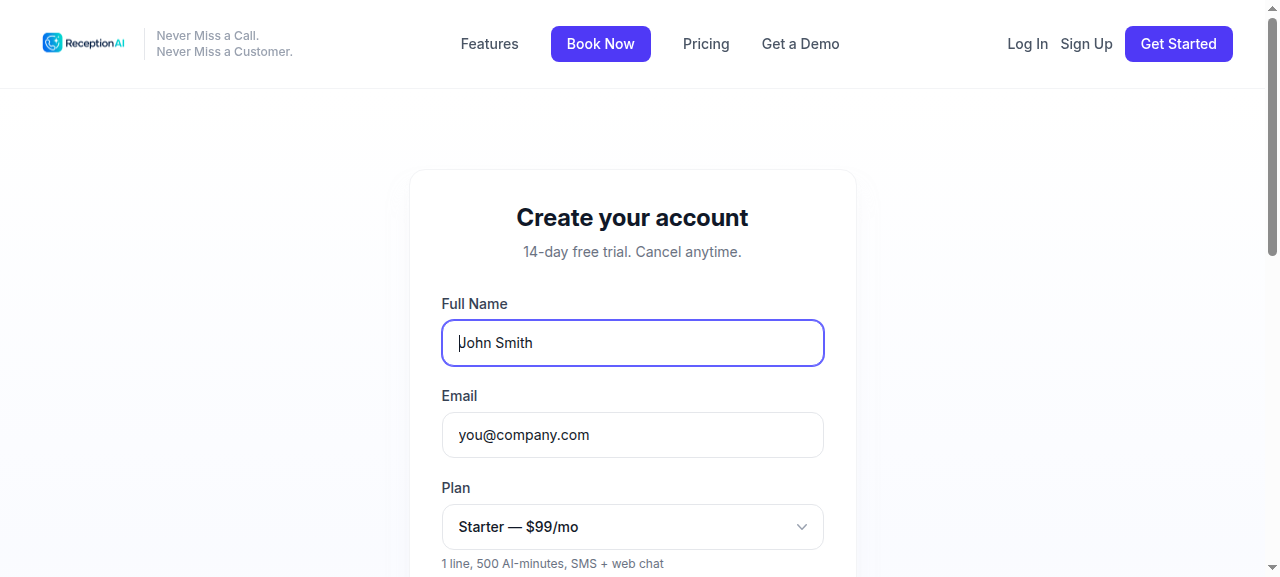
The signup form — fill in your details, pick a plan, and start your free trial.
💡 FOUNDER50 Discount: Use code FOUNDER50 at checkout for 50% off your first 3 months. This is automatically applied during signup.
2
Log In to Your Dashboard
Step-by-Step
- Go to the login page. Visit receptionai.ctonew.app/login.
- Enter your email and password — the same ones you used during signup.
- Click Sign In. You'll be taken to your dashboard immediately.
- Forgot your password? Click the Forgot password? link on the login page. Enter your email and we'll send you a reset link.
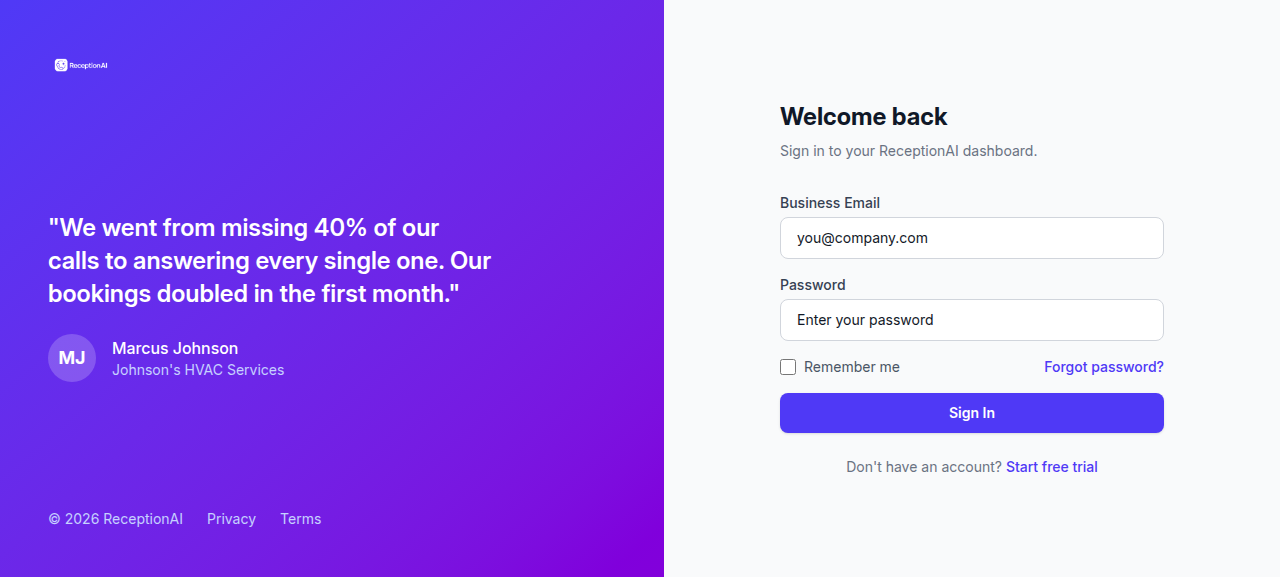
The login page — use the email and password you created during signup.
Frequently Asked Questions
How long is the free trial?
14 days. You won't be charged until the trial ends. Cancel anytime before then and you won't pay anything.
What happens after I sign up?
Your account is created automatically. A phone number is provisioned for your business, and your dashboard is ready immediately. You can start receiving calls right away.
Can I use my existing phone number?
Yes. During signup, you can choose to port your existing business number. This takes 1–2 weeks. In the meantime, we provide a temporary number so you don't miss calls.
How do I cancel?
Go to your dashboard Settings page and click Cancel Subscription. No phone calls, no hassle. You'll retain access until the end of your billing period.
What if I need help?
Your dashboard includes a help widget in the bottom-right corner. You can also email us at support@receptionai.ctonew.app.
Does the AI speak Spanish?
Yes! ReceptionAI handles calls, texts, and web chats in both English and Spanish. Callers can switch languages at any time.
What happens if the AI can't handle a call?
The system automatically transfers to a human. You can set your forwarding number in the dashboard Settings. Our target is to handle 85%+ of calls without escalation.
Can I change my plan later?
Absolutely. Upgrade or downgrade anytime from your dashboard. Changes take effect at the start of your next billing period.
Is my data secure?
Yes. All data is encrypted in transit and at rest. We use Stripe for payment processing — we never store your credit card details. See our Privacy Policy for full details.
Do I need to install anything?
No. Everything runs in the cloud. You access your dashboard through any web browser. No apps to install, no hardware to buy.
Ready to get started?
Try ReceptionAI free for 14 days. No credit card required until your trial ends.